
Advertiser creates a campaign in Apple Ads

The phrase "ads Apple" usually points to one of two different things, and it is worth separating them before anything else. One is Apple's own brand marketing — the television and billboard campaigns Apple runs for its own products. The other, and the one most people searching that phrase actually mean, is Apple Ads, Apple's self-serve platform that lets app developers and marketers buy placements inside the App Store. The rest of this article is about that second thing: the platform, formerly branded Apple Search Ads, that Apple now calls Apple Ads on its own advertiser site.
Buying an ad on that platform starts with an advertiser — a developer or a marketing team working on their behalf — setting up a campaign. A campaign is the container that holds a budget, a set of targeting rules (country, device, audience type), and one or more ad groups pointed at a specific app. Everything downstream — which auctions the ad enters, how much it costs, and which users see it — is scoped by decisions made at this campaign level.
Once live, the campaign does not simply "run." Each time a user opens the App Store and browses or searches in a way that matches the campaign's targeting, that impression opportunity is put up for auction. The advertiser's campaign competes against other advertisers targeting the same query or the same placement, and a bidding mechanism decides who wins the slot. Winning does not mean paying whatever was bid — most real-time ad auctions settle at a price tied to the next-highest competitive bid, and the mechanics vary by placement type, which is covered in more detail below.
The combination of the winning bid and the type of placement won determines what the advertiser actually pays for that impression or tap. Search results placements, Today tab placements, and product page placements carry different cost profiles because they sit at different points in a user's decision process — someone searching a competitor's name is closer to installing than someone idly browsing the Today tab, and advertisers pay accordingly.
Finally, the ad is served to an App Store user, and if it works, the user taps through and downloads the app. That download is the conversion event the entire campaign structure is built to produce — everything from targeting to bid strategy is aimed at making that last step happen at a cost the advertiser can tolerate. Whether Apple Ads fits a given acquisition budget comes down to whether the cost per download the auction produces sits below what the app can recover from that user over time, which is a question no campaign dashboard answers automatically — it has to be worked out by the advertiser from download reports.
Apple collects account, device and download data
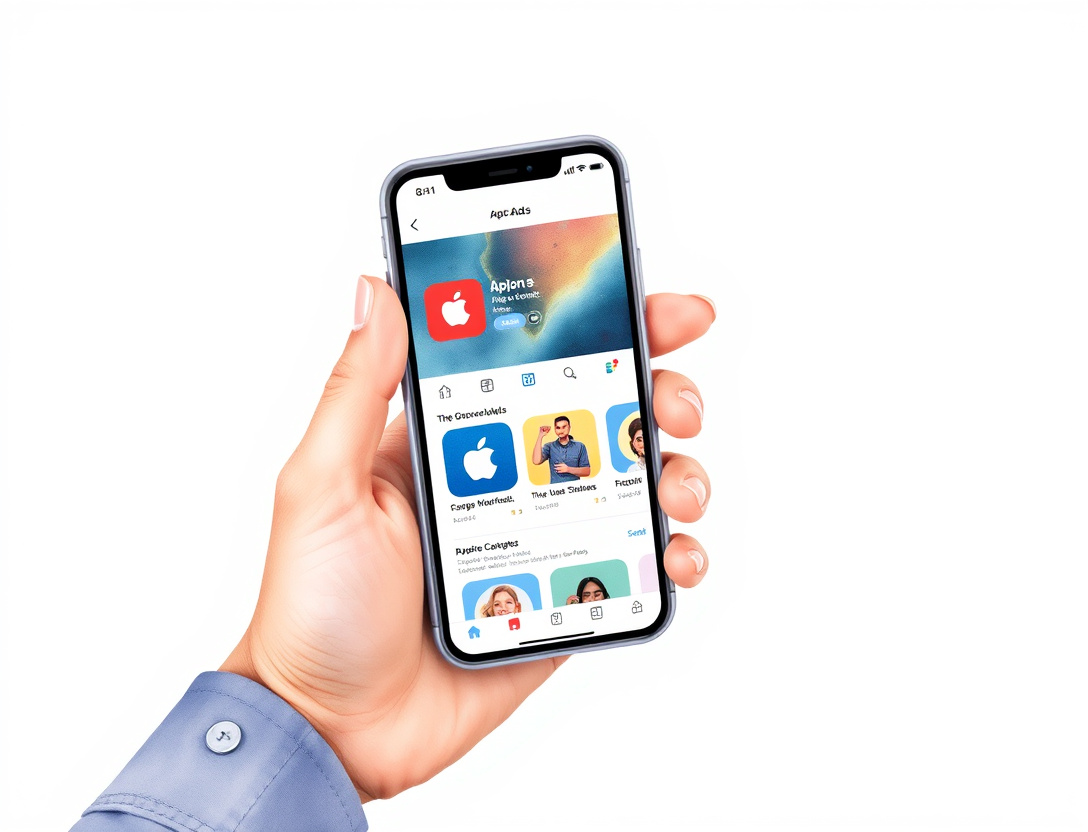
Running that auction and matching ads to likely-interested users requires data, and Apple is explicit about what it uses. According to Apple's own advertising and privacy disclosures, the data behind ad personalization includes information tied to the user's Apple ID account, details about the device itself, and records of the apps a user has downloaded or the App Store searches they've made, alongside advertising identifiers and usage signals collected across Apple's own apps and services — Apple's Advertising & Privacy page sets out the categories in full.
That pool of data is what lets Apple show relevant ads not only in the App Store but across Apple News and Stocks, the other surfaces where Apple sells ad placements using the same personalization signals. A user who has downloaded several fitness apps, for instance, is more likely to be shown a fitness-app ad in a Today tab slot than someone with no such history — the same account and download data that powers App Store search relevance also feeds these other placements.
Users who don't want that personalization can turn it off at the device level. The setting is called "Personalized Ads" and it lives inside Privacy & Security settings, separate from any single app's own privacy prompts:
- Open Settings on iPhone or iPad.
- Go to Privacy & Security.
- Tap Apple Advertising.
- Turn off Personalized Ads.
The equivalent path on Mac runs through System Settings > Privacy & Security > Apple Advertising, and Apple documents both routes in its support guidance on controlling personalized ads.
What changes after that toggle is flipped is narrower than most people assume. Ads keep appearing at the same frequency across the App Store, Apple News, and Stocks — turning the setting off does not reduce how many ads a user sees, and it does not remove advertising from those surfaces. What stops is the tailoring: Apple's support documentation is clear that disabling the setting means ads are no longer based on that individual's account, device, and usage data, so the ads shown become generic rather than personalized, not absent. That distinction matters on the advertiser side too — an audience that opts out of personalization becomes harder to target precisely, but it is not removed from the pool of users a campaign can reach.
Advertiser needs to know which placements paid off

A campaign that's live and spending is only half the job — the advertiser then needs to know which placements are actually producing downloads worth the spend, and that answer comes from measurement rather than from the campaign dashboard's spend totals alone. Apple Ads reports downloads back to the advertiser through attribution, tying a specific tap on an ad to a specific install (and, where the advertiser has set it up, to in-app events after the install, like a signup or a first purchase). That reporting is what turns raw impression and click counts into a usable cost-per-download or cost-per-install figure for each placement.
With that data in hand, the advertiser's job becomes iterative rather than one-time. A campaign spending steadily on a Today tab placement with a low download rate is a candidate for a lower bid or a narrower audience; a search results placement converting well above the account average is a candidate for more budget. This loop — measure, adjust bid or targeting, measure again — is the actual maintenance work of running an Apple Ads account, and it runs continuously rather than settling once a campaign launches. Guides describing the platform's mechanics, including the walkthroughs from Adapty and SplitMetrics, both frame this optimization cycle as the difference between an account that spends efficiently and one that simply spends.
App Store
The App Store is where all of this plays out — it's the primary surface Apple Ads serves against, whether a user is typing a search term, scrolling the Today tab's editorial feed, or looking at a competitor's product page before deciding what to download. Every placement type described elsewhere in this article is a slot inside the App Store's own interface, not a separate ad network bolted on top of it.
That matters because it changes what "reach" means for an Apple Ads campaign compared with, say, a social media ad. There's no feed to buy impressions in outside of app-discovery moments — a user has to be actively browsing, searching, or viewing an app page for an ad to have anywhere to appear. The App Store's search function in particular is the highest-intent surface Apple sells against, since a user typing a query has already decided they want an app in that category, which is part of why search placements tend to command higher bids than the more passive Today tab.
Ad placement
Placement is the single biggest lever on both what an ad looks like and what it costs, and the three main types behave differently enough to be worth comparing directly.
| Placement | Where it appears | User intent at that moment | Typical cost driver |
|---|---|---|---|
| Search results | Top of App Store search results for a matched keyword | High — user is actively searching for an app | Competition on that specific keyword; branded terms and category-leading keywords bid up fastest |
| Today tab | Within Apple's editorial Today feed | Low to moderate — user is browsing, not searching | Broader audience reach at generally lower cost per impression, but weaker purchase intent |
| Product pages | On a competing or related app's own product page | Moderate — user is already evaluating a similar app | Priced against how closely the advertiser's app substitutes for the page it's shown on |
Search results placements are the ones most advertisers start with because intent is highest — a user typing a competitor's brand name or a category term ("meal planner," "invoice app") has already self-selected into wanting exactly this kind of product. Today tab and product page placements are used more for broader awareness or for intercepting users mid-comparison, and both guides from Adapty and Singular's glossary entry on Apple Search Ads note that campaign structure and expected cost per install differ meaningfully across these three slots, which is why most advertiser accounts run them as separate campaigns rather than one blended budget.
Bidding
Bidding is the mechanism that decides who wins a given placement when more than one advertiser targets the same query or slot, and Apple Ads runs this as an auction rather than a fixed rate card. Advertisers set a maximum bid — the most they're willing to pay for a tap or a thousand impressions, depending on the campaign type — and Apple's auction determines the actual price charged based on competition for that specific placement at that moment.
Two bid models matter in practice:
- Cost-per-tap (CPT) bidding, used for search results and product page placements, where the advertiser pays when a user taps the ad, not simply when it's shown.
- Cost-per-thousand-impressions (CPM) style pricing, more relevant to Today tab placements, where cost is tied to how many times the ad is displayed rather than tapped.
Because the auction is real-time and competitive, the same keyword can cost very different amounts depending on time of day, seasonality, or how many other advertisers are chasing that exact term — a branded keyword belonging to a well-funded competitor will typically clear at a far higher price than a long-tail category term with little competition. Both the Adapty and SplitMetrics guides describe this as the reason cost-per-install figures for Apple Ads campaigns vary so widely across categories — the auction, not a published rate card, sets the price.
Campaign cost
Campaign cost is the outcome of everything above compounding together: the bid an advertiser sets, the placement that bid is competing for, and how many other advertisers are chasing the same audience at the same moment. There is no flat published price per impression or per download, because Apple Ads is structured as an auction rather than a rate card — cost per impression and cost per install are both outputs of that auction, not inputs an advertiser can look up in advance.
That said, the drivers are predictable even if the exact number isn't:
- Placement type sets the floor — search results generally cost more per tap than Today tab impressions because intent is higher.
- Keyword or audience competition sets the ceiling — a term with many advertisers bidding on it clears at a higher price than one with few.
- App category shifts the baseline — categories with heavy competition for install volume, such as subscription utilities or games, tend to see higher average costs than niche categories with fewer advertisers.
- Quality and relevance of the ad affects efficiency — an ad that converts well at a given bid effectively costs less per install than one with the same bid and a lower conversion rate, since more of the spend turns into downloads.
For an advertiser deciding whether Apple Ads is worth testing, the practical question isn't "what does an impression cost" in the abstract — it's what a download costs in a specific category, at a specific bid, measured against what that download is worth once attribution data comes back. That number only exists after a campaign has run long enough to generate real auction and conversion data, which is why the sequence in the first section — set up the campaign, let it compete, measure the downloads, then adjust — is the actual mechanism, not a one-time setup decision.
Start by setting a modest daily budget on a single, high-intent search placement, let it run long enough to generate attribution data, and use that cost-per-download figure — not the platform's estimated bid ranges — to decide whether a wider rollout is worth the spend.